Yggdrasil
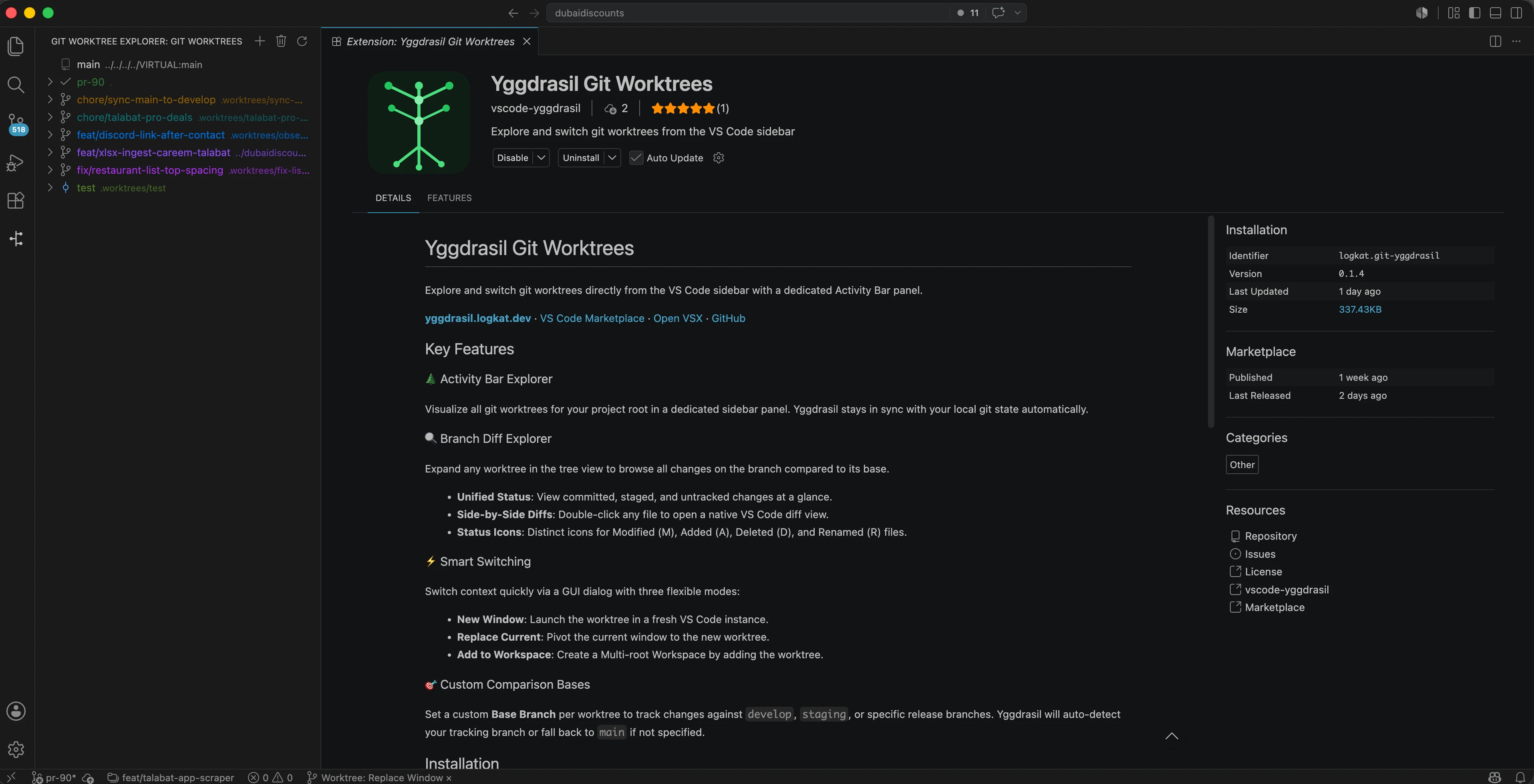
Explore and switch git worktrees from the VS Code sidebar
Powerful Worktree Management
🌲
Activity Bar Explorer
Visualize all git worktrees for your project root in a dedicated sidebar panel. Yggdrasil stays in sync with your local git state automatically.
🔍
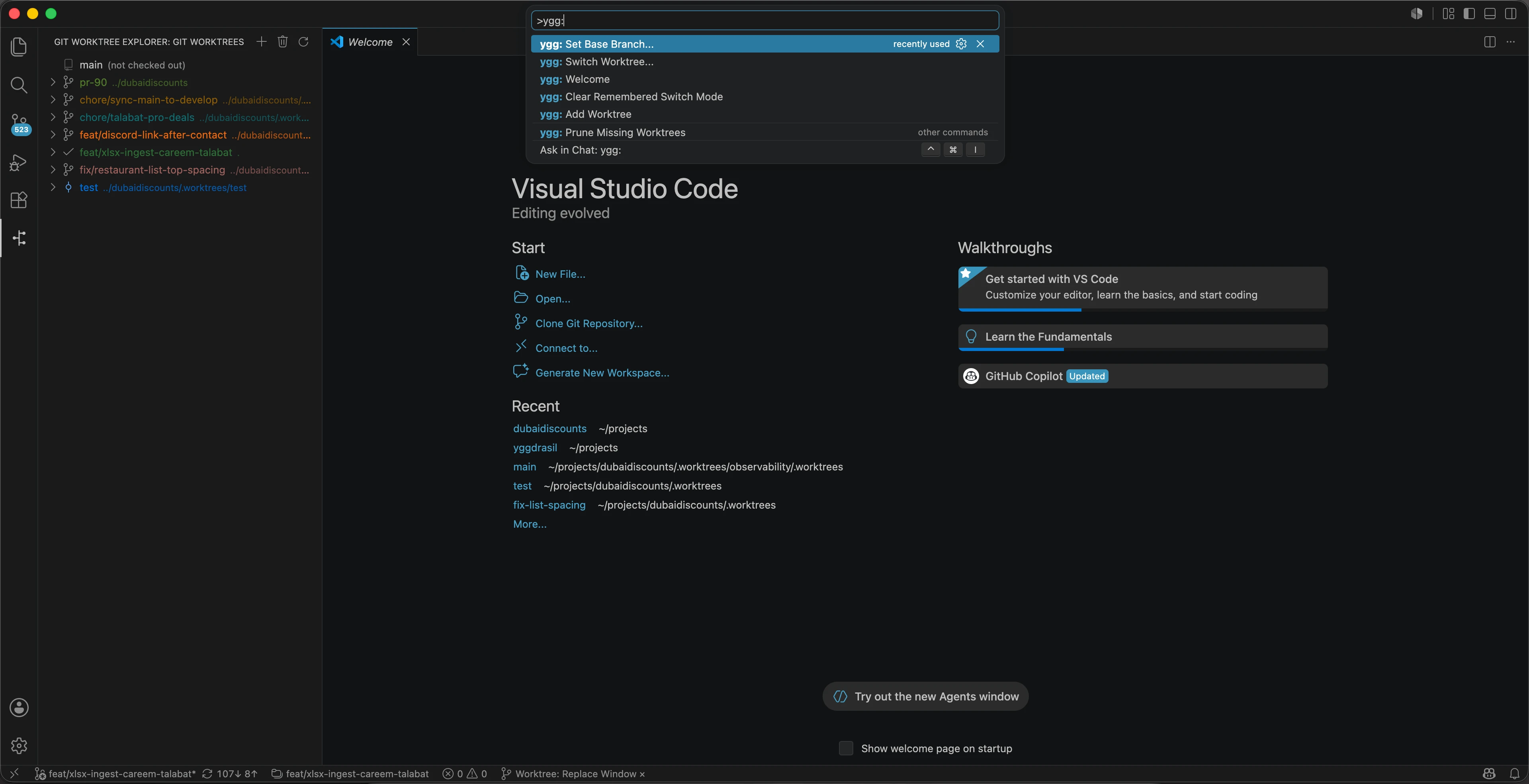
Branch Diff Explorer
Browse committed, staged, and untracked changes at a glance. Double-click any file to open a native VS Code diff view.
⚡
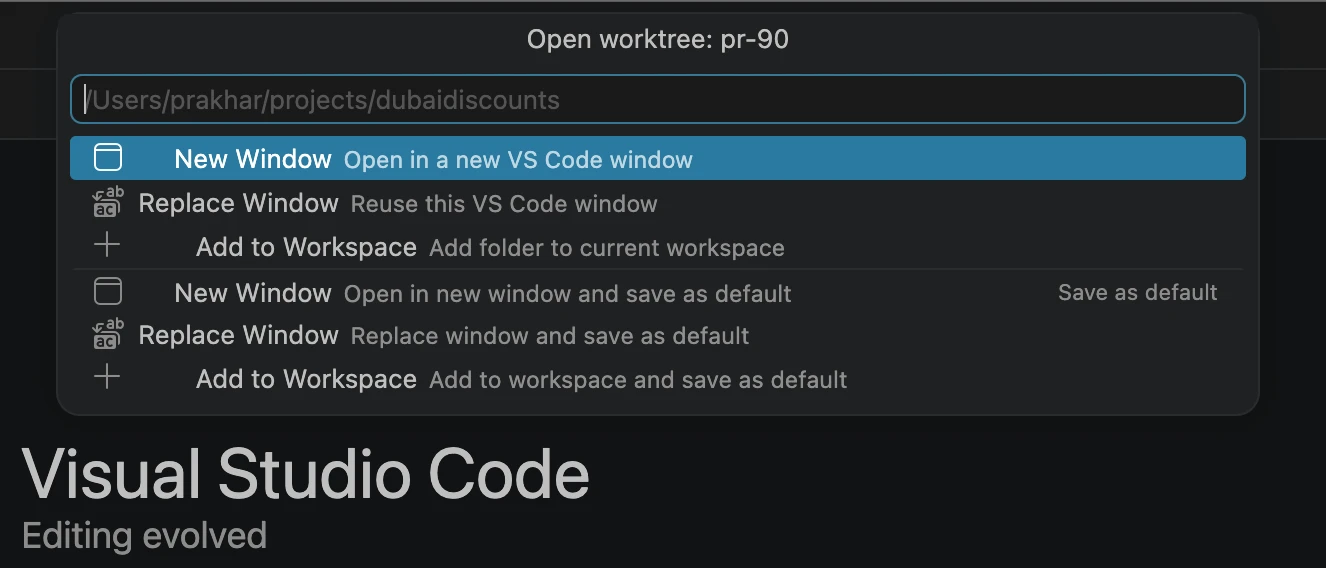
Smart Switching
Switch context quickly via a GUI dialog: New Window, Replace Current, or Add to Workspace.
🎯
Custom Comparison Bases
Set a custom Base Branch per worktree to track changes against develop, staging, or specific release branches.
Quick Start
1
Install Extension
Install Yggdrasil from the VS Code Marketplace or OpenVSX.
View on Marketplace View on OpenVSX 2
Open Git Repo
Open any local git repository in VS Code.
bash
cd my-project && code . 3
Explore Worktrees
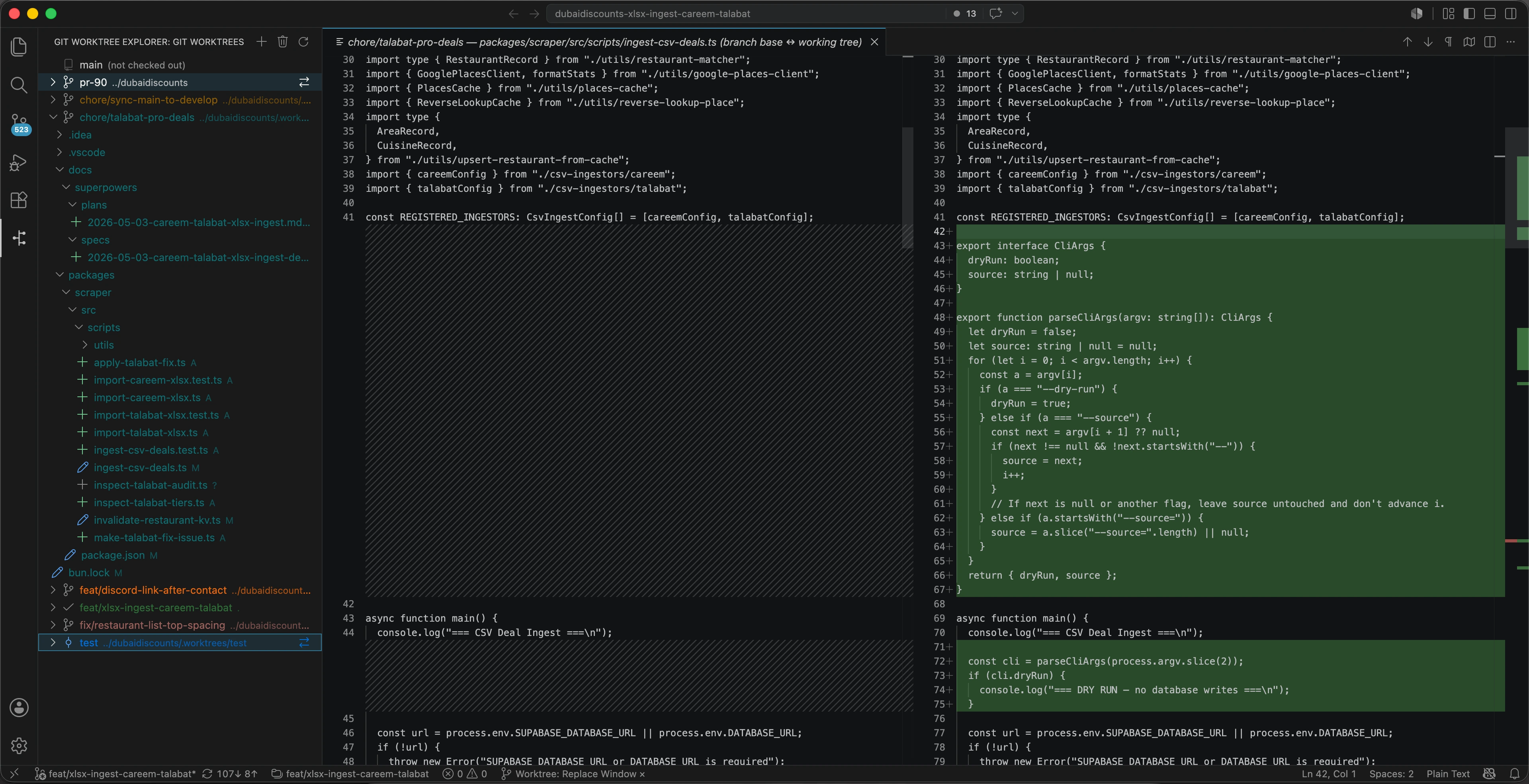
Click the Yggdrasil icon in the Activity Bar to start managing your worktrees.